Rotate
App Version: 1.07
Turn on the transform mode.
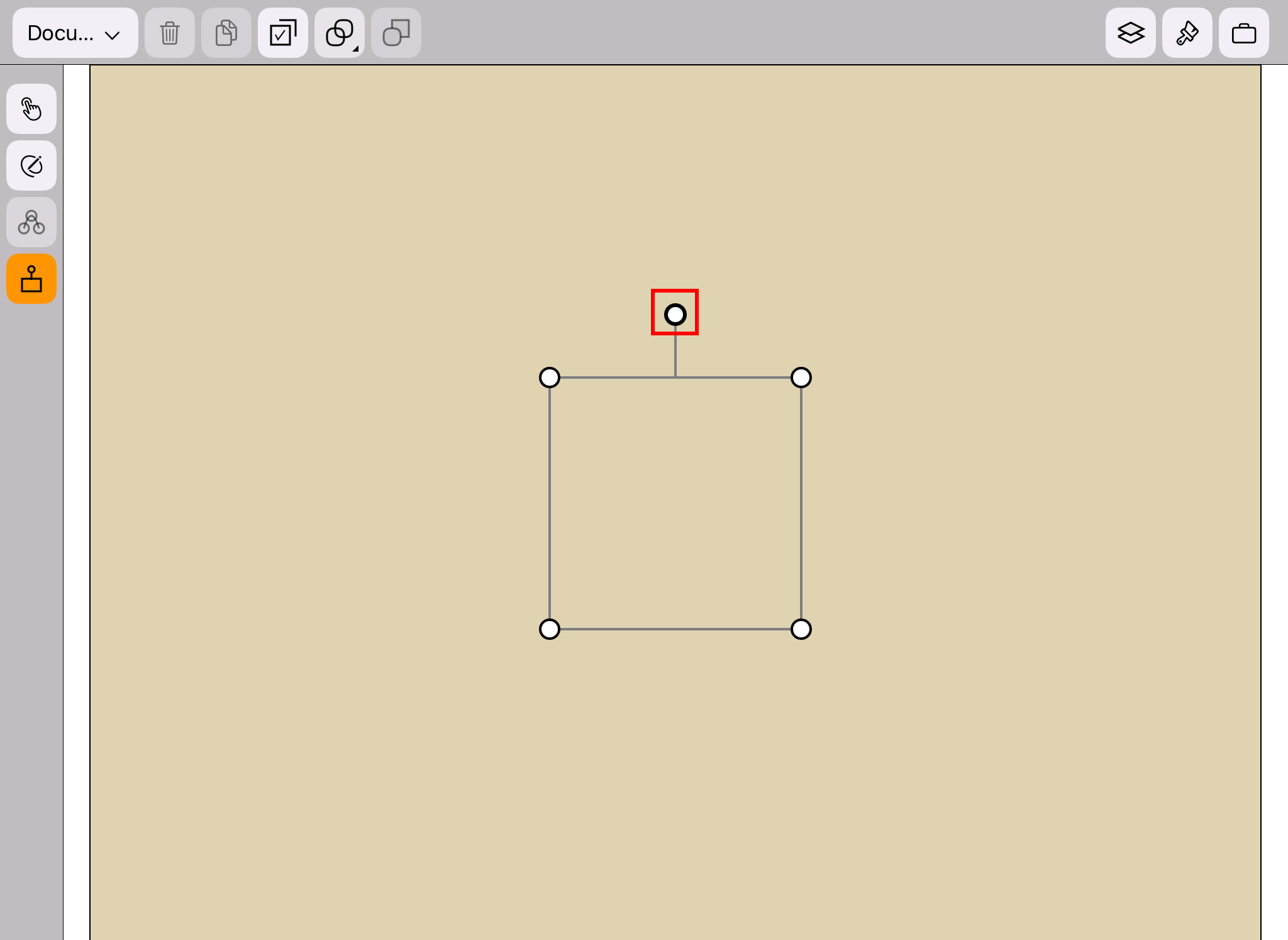
When a shape is selected, drag the circle on the top side of the transform widget
(as shown in the red frame in the figure below) can rotate the shape.
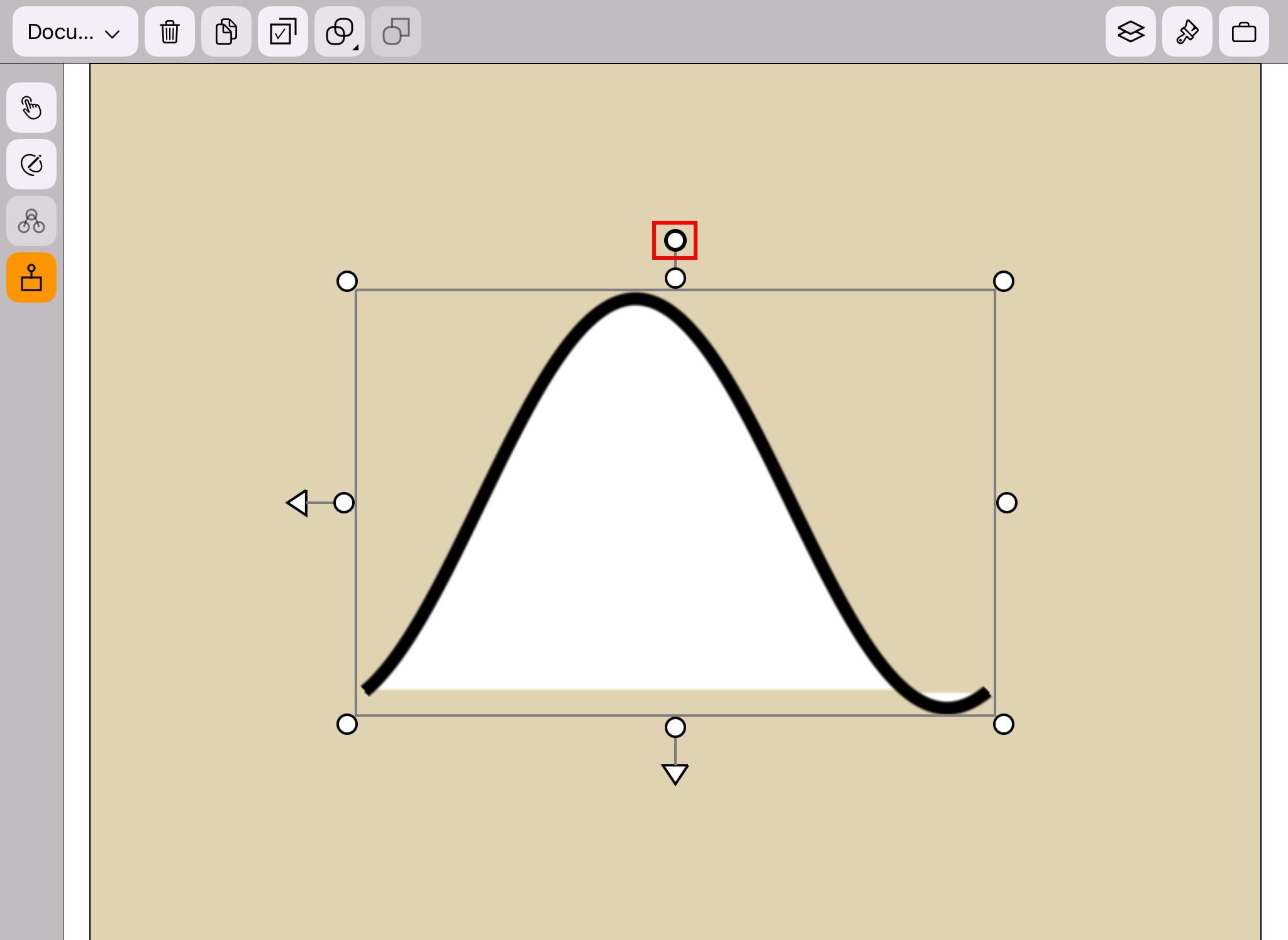
When a group is selected, drag the circle on the top side of the transform widget
(as shown in the red frame in the figure below) can rotate the group.
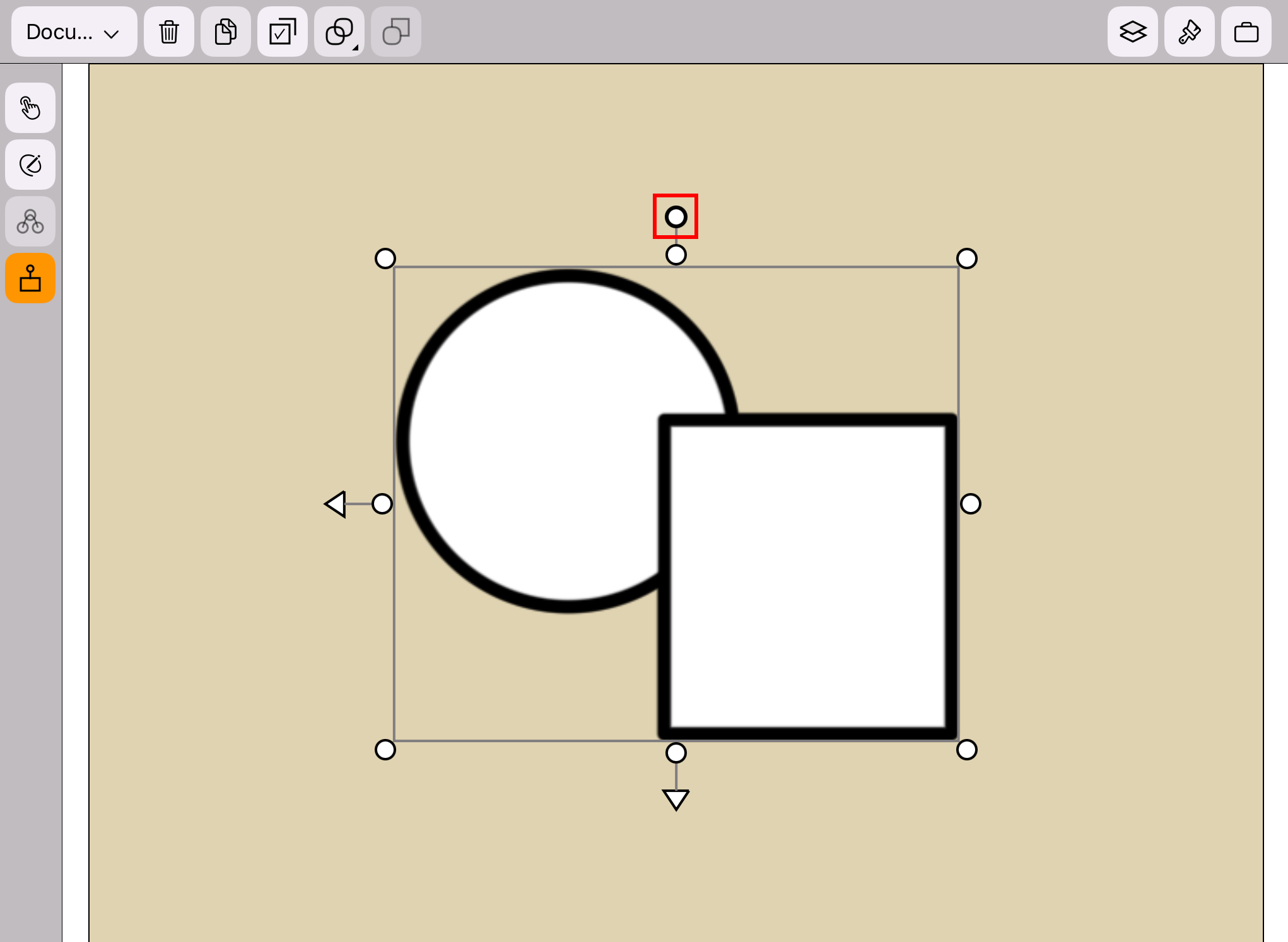
When the canvas is selected, drag the circle on the top side of the transform widget
(as shown in the red frame in the figure below) can rotate the canvas.