Show the Border Resource Menu
App Version: 1.07
When no shape is selected, the border icon
 is disabled.
is disabled.
When some shape which the border resource is applicable to is selected, the border icon
 is enabled.
is enabled.
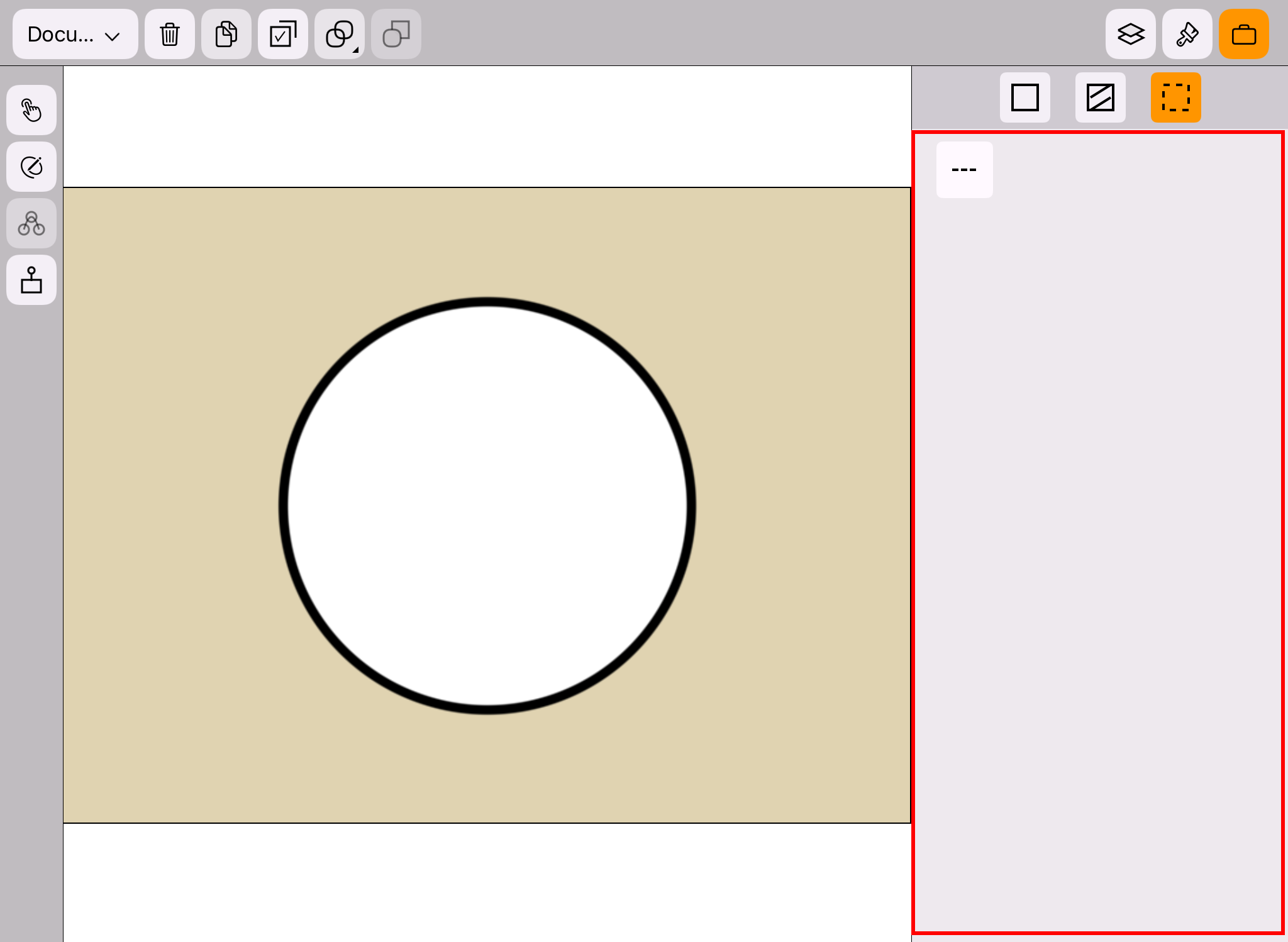
In the resource panel, when the border icon
is enabled, single tap it can open the border resource panel,
as shown in the red frame in the figure below.