Drawing Control Point Setting
App Version: 1.07
Turn on the modify mode.
Single tap a control point(
could be an end point or a non-end point
 )
to select it.
)
to select it.
Then show the setting panel
or a non-end point)
to select it.
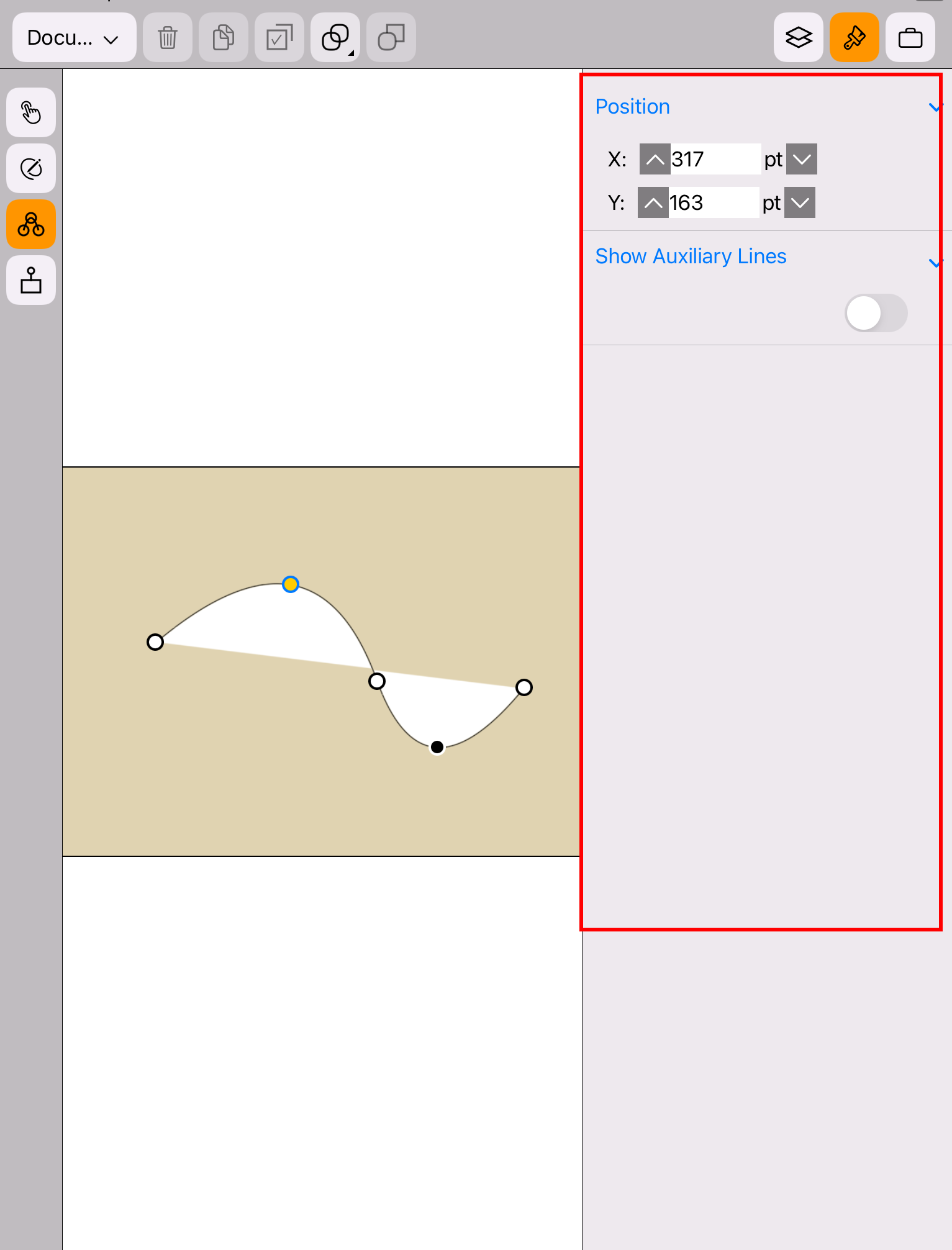
The setting panel of the end point is shown in the figure below.
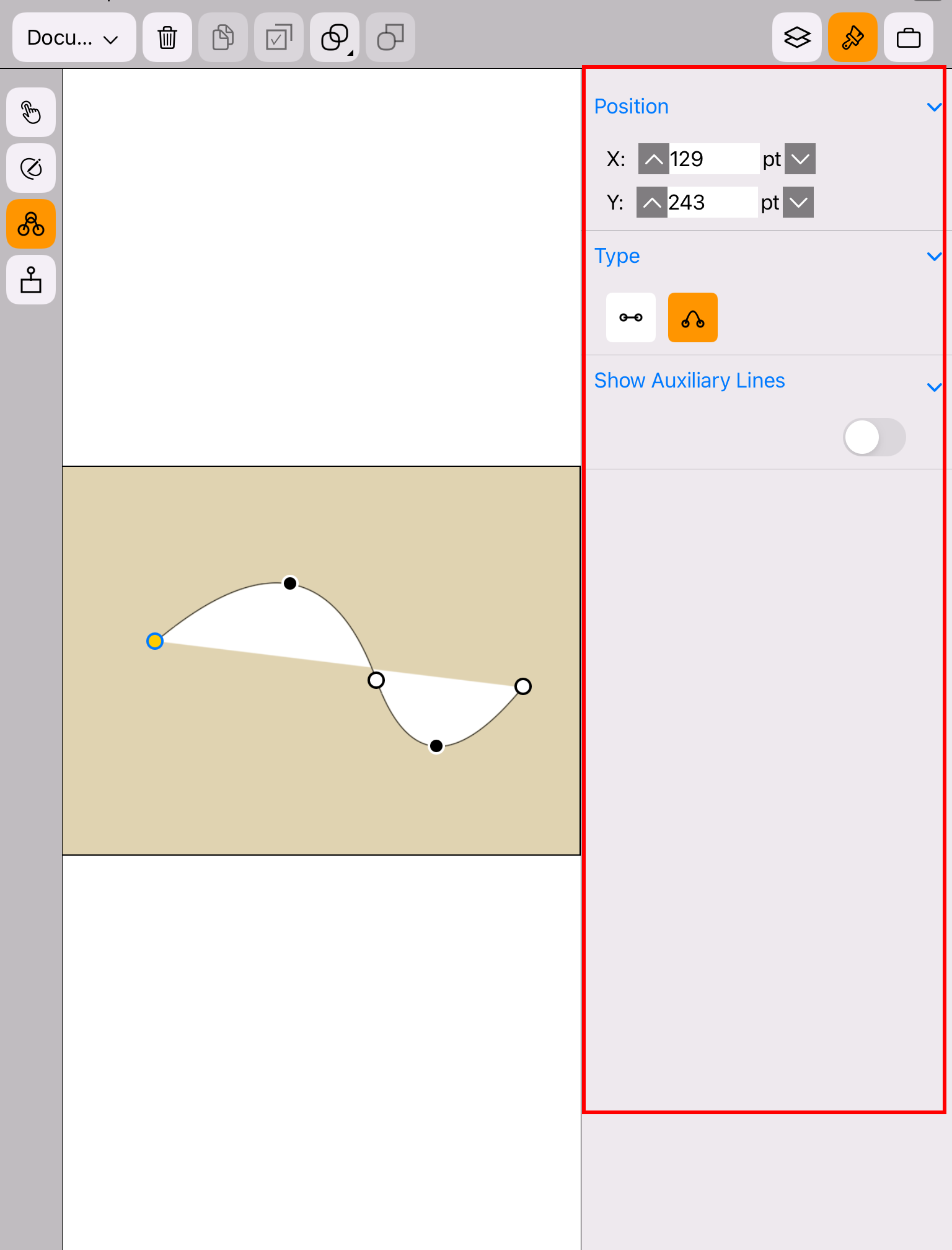
The setting panel of the non-end point is shown in the figure below.